Google Ad Grant Compliance Checklist (2026): How to Stay Eligible and Avoid Suspension
Intro
Google Ad Grants are one of the most valuable opportunities for nonprofits — but they come with rules. Accounts that fail to follow compliance requirements can lose performance, receive warnings, or in worst cases, be suspended.
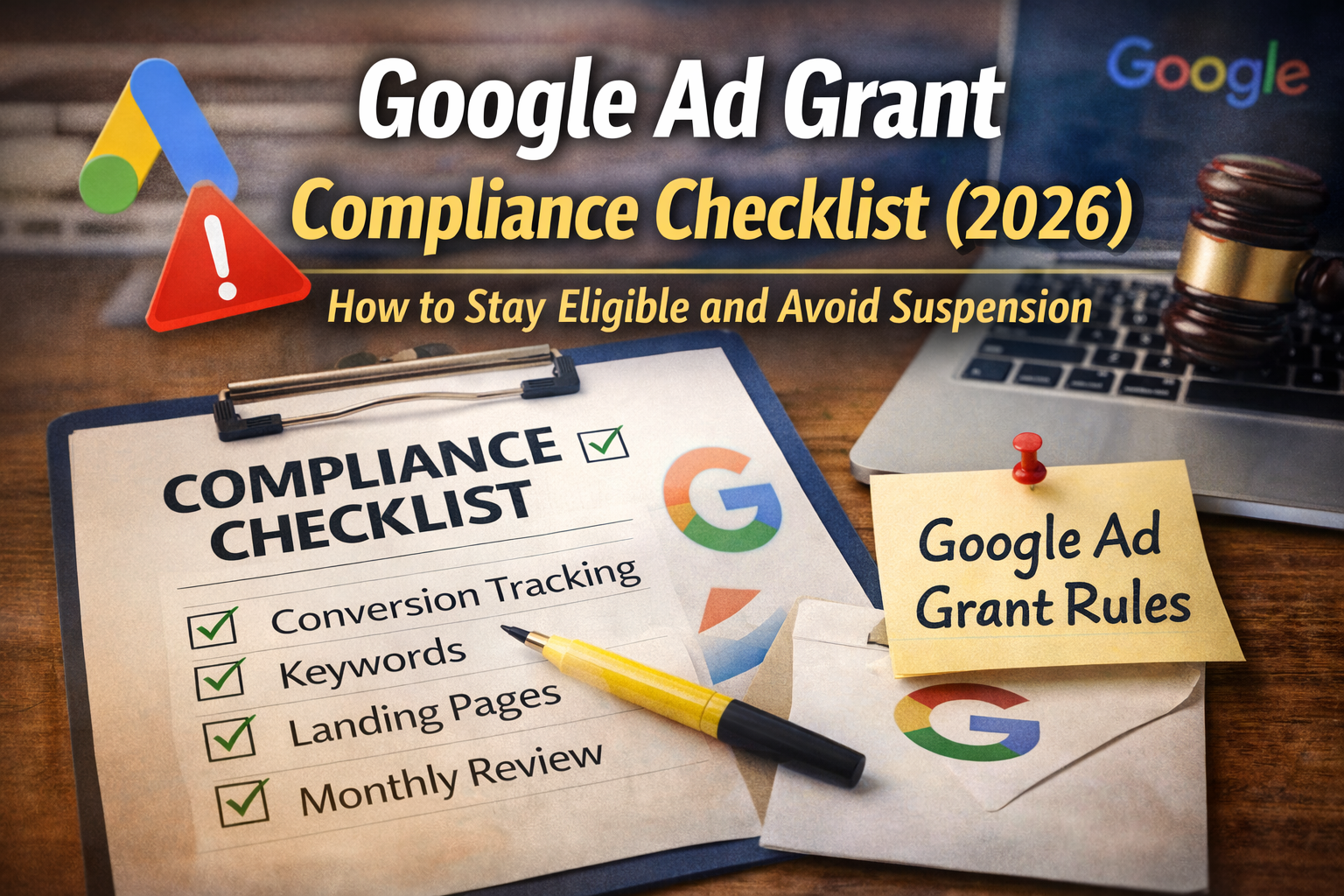
This checklist covers the most important compliance areas to keep your Grant active and healthy.
✅ 1) Confirm account access and ownership
Compliance starts with basic account hygiene:
- Ensure the nonprofit owns the Google Ads account
- Confirm admin access is retained internally
- Make sure billing is configured correctly (Grant accounts are not billed like paid accounts)
If your account was set up by a previous agency or staff member, ownership issues can cause delays or risk.
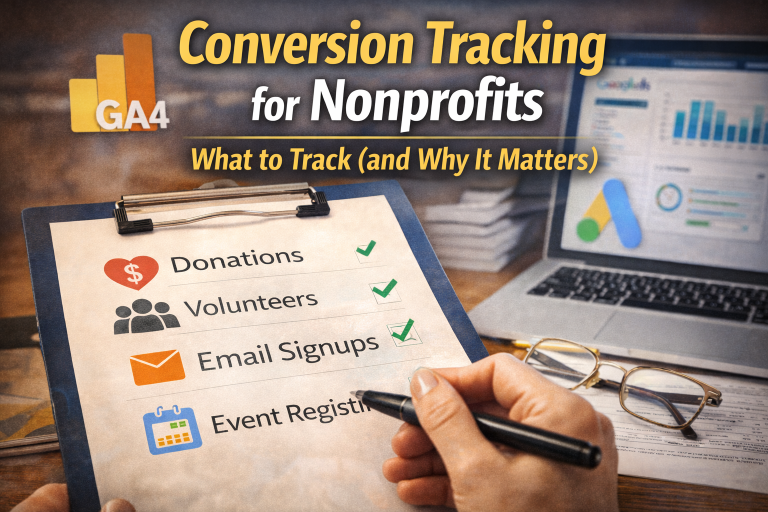
✅ 2) Ensure conversion tracking is implemented
Google expects nonprofits to track meaningful outcomes. Conversion tracking is also required for modern campaign types and performance improvements.
Recommended conversions:
- donation completions
- volunteer signups
- newsletter signups
- event registrations
- contact form submissions
Avoid using low-quality conversions like:
- time on site
- multiple pageviews
- generic “button clicks” with no mission meaning
✅ 3) Monitor search terms and keyword quality
Many compliance and performance issues come from irrelevant traffic.
Actions to take regularly:
- review search term reports
- add negative keywords consistently
- remove broad, irrelevant keyword themes
- avoid single-word or overly generic keywords
You want to be visible — but only for searches connected to your mission and outcomes.
✅ 4) Keep ad copy relevant and specific
Ad copy should:
- match the keyword intent
- reflect real nonprofit offerings (programs, services, events)
- point to a relevant landing page
Avoid writing ads that are:
- vague
- misleading
- not connected to content on the landing page
✅ 5) Maintain strong landing page quality
Landing page issues can reduce performance and trust:
- slow pages
- confusing navigation
- broken forms
- unclear CTAs
Compliance-friendly landing page traits:
- fast load time
- mobile readability
- privacy policy accessible
- clear nonprofit identity and mission
✅ 6) Use account structure that supports compliance
Grant accounts tend to perform best with:
- a small number of tightly themed campaigns
- clear ad group-to-page alignment
- conversion-focused bidding strategies (where appropriate)
Avoid:
- “everything in one campaign”
- dozens of micro campaigns with no volume
- random growth without structure
✅ 7) Track performance monthly (minimum)
At a minimum:
- check conversions
- review search terms and negatives
- adjust ads and landing pages
- ensure everything is still aligned with goals
Grant compliance is ongoing. The best accounts treat it like a program, not a checkbox.
Closing thoughts
Compliance isn’t something to fear — it’s a framework for building a Grant account that performs consistently.
If you’re unsure whether your account is compliant (or whether it’s quietly drifting toward trouble), it’s worth reviewing proactively.
See more about how a Google Ad Grant agency works.
We manage both compliance and performance so nonprofits can focus on mission — not account warnings.
FAQ
Q: Can my Google Ad Grant be suspended?
Yes. Noncompliance can lead to warnings and possible suspension.
Q: How often should I check compliance?
At least monthly, and more often if performance is unstable.